The Easiest Way to Complete Apparatus Checks
Perform apparatus inspections directly from your phone while standing at the truck. Fire Station Software's web-based Apparatus Checks Module lets crews complete inspections, document deficiencies, upload photos, and maintain readiness records from anywhere.
Apparatus checks are critical to maintaining readiness — but the process shouldn't require clipboards, paperwork, or hours of administrative follow-up.
The Fire Station Software Apparatus Checks Module was designed around how firefighters actually work. Using a mobile phone, tablet, or computer, personnel can complete inspections directly at the apparatus and instantly save the results to a centralized system.
No paper forms. No duplicate data entry. No wondering whether inspections were completed.
Just fast, convenient apparatus checks that help keep your fleet response-ready.
Built for Mobile Apparatus Inspections
Built for Mobile Apparatus Inspections
Firefighters don't perform apparatus checks sitting behind a desk — they perform them in the apparatus bay. Crews can walk around the apparatus with their phone, complete inspection items in real time, document deficiencies, and submit results immediately.
- Complete inspections directly from your phone
- Mobile and tablet friendly
- No software installation required
- Accessible through any web browser
- Real-time documentation
- Secure cloud-based access
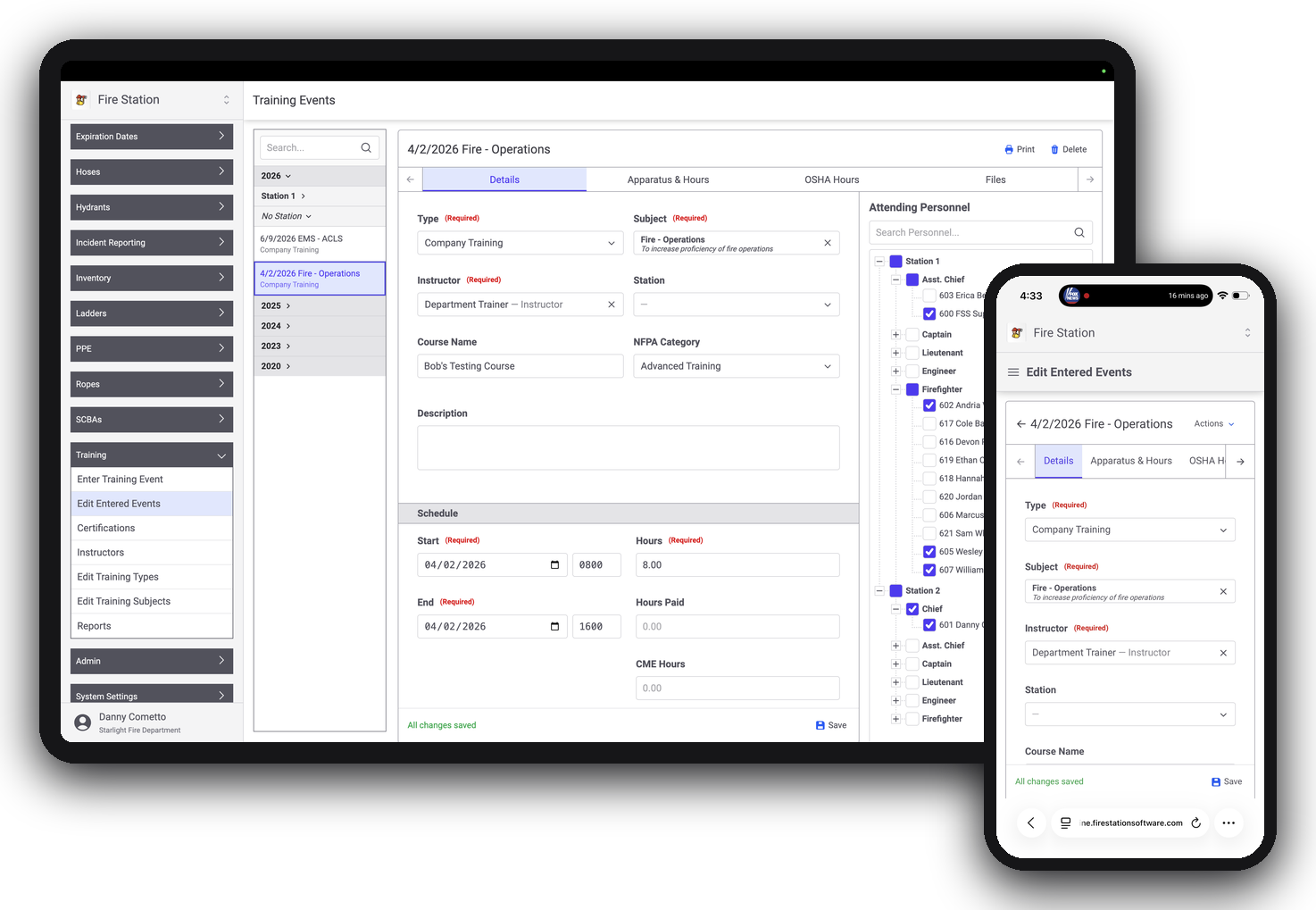
Assign Inspections to Individuals or Crews
Create accountability by assigning apparatus checks to specific personnel or groups — driver/operator, company officer, duty crew, or station assignment. Everyone knows their responsibility, and leadership always knows the status.
- Who completed the inspection
- When it was completed
- Which apparatus was inspected
- Any deficiencies that were reported
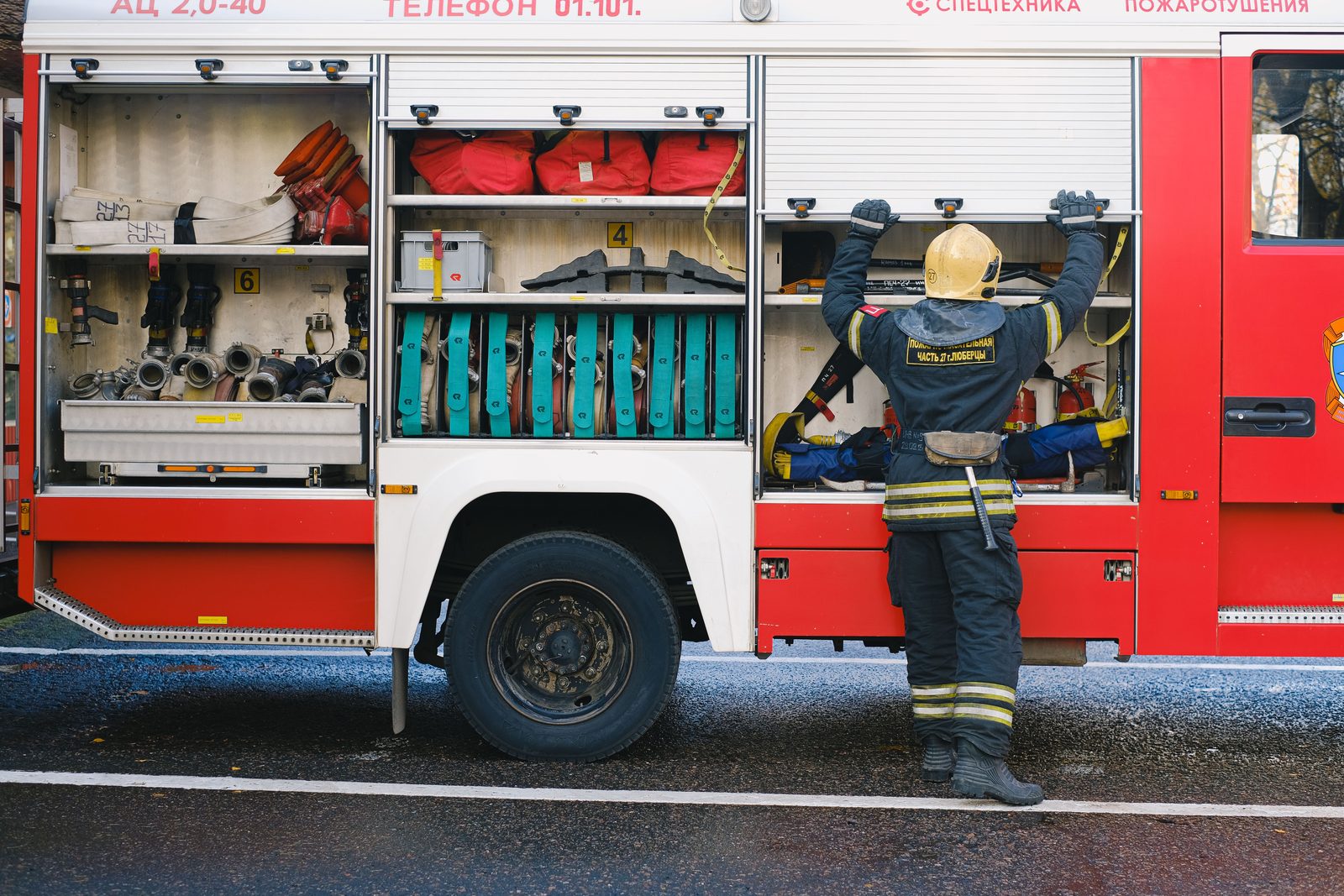
Create Inspection Forms That Match Your Department
Every apparatus is different. Build highly customizable inspection forms that reflect your equipment, policies, and operational requirements.
- Pump systems
- Emergency warning equipment
- Hose inventories
- SCBA equipment
- EMS supplies
- Hand tools
- Safety equipment
- Department-specific requirements
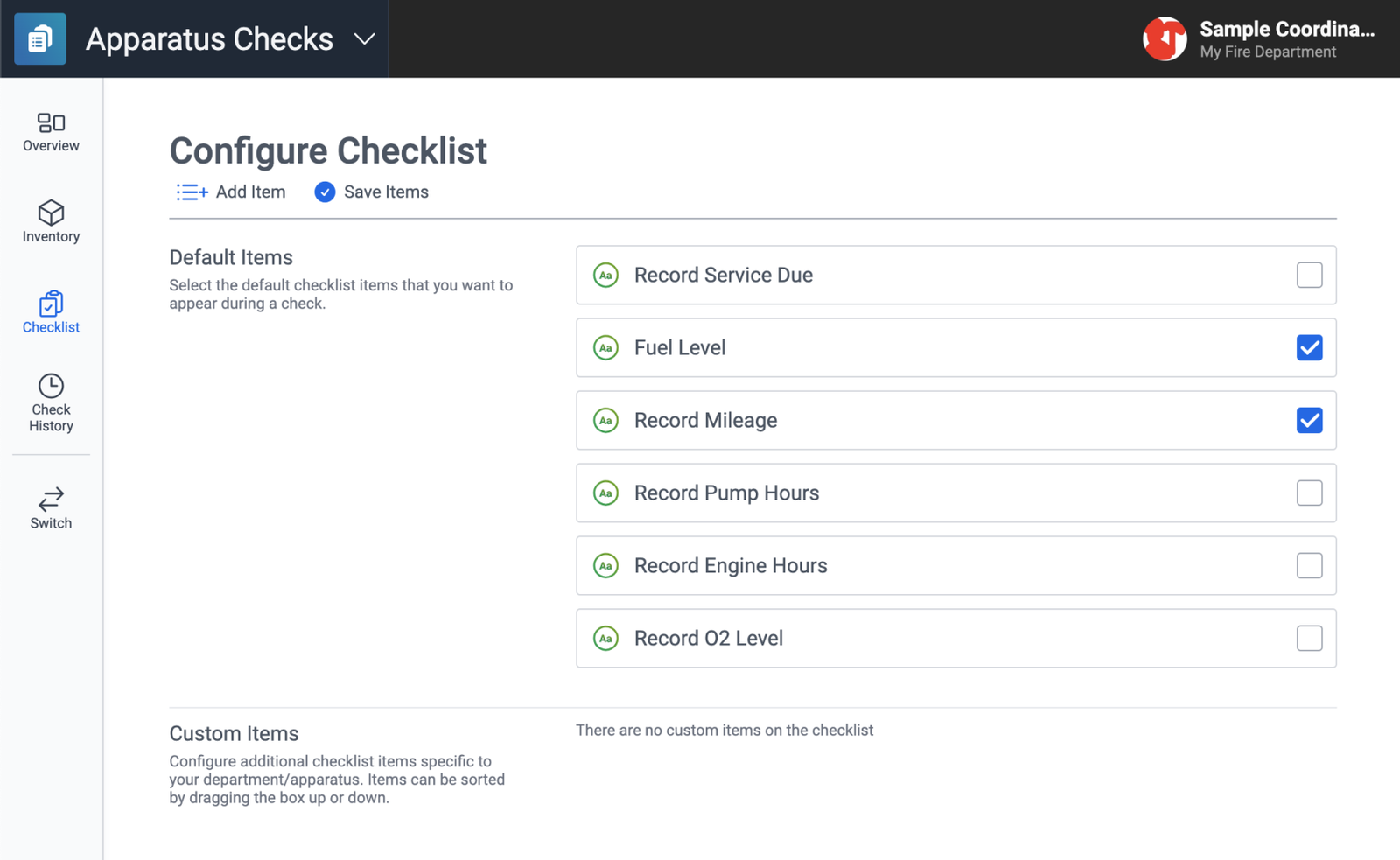
Upload Photos During the Inspection
When issues are discovered, documentation should be simple. Personnel can use their mobile device to take photos and attach them directly to the apparatus inspection.
- Equipment damage
- Maintenance concerns
- Missing equipment
- Safety issues
- Repair needs
- Inspection findings
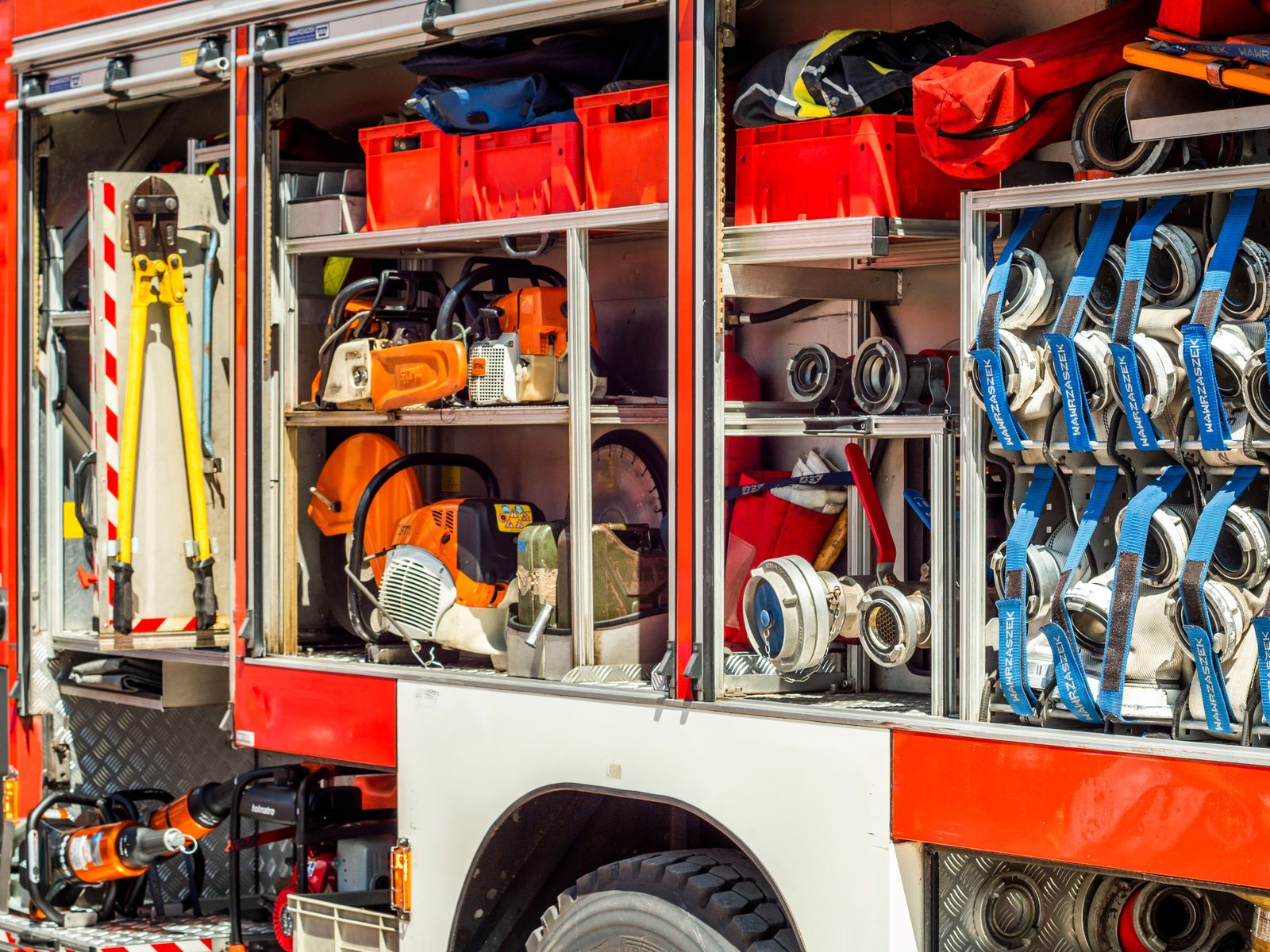
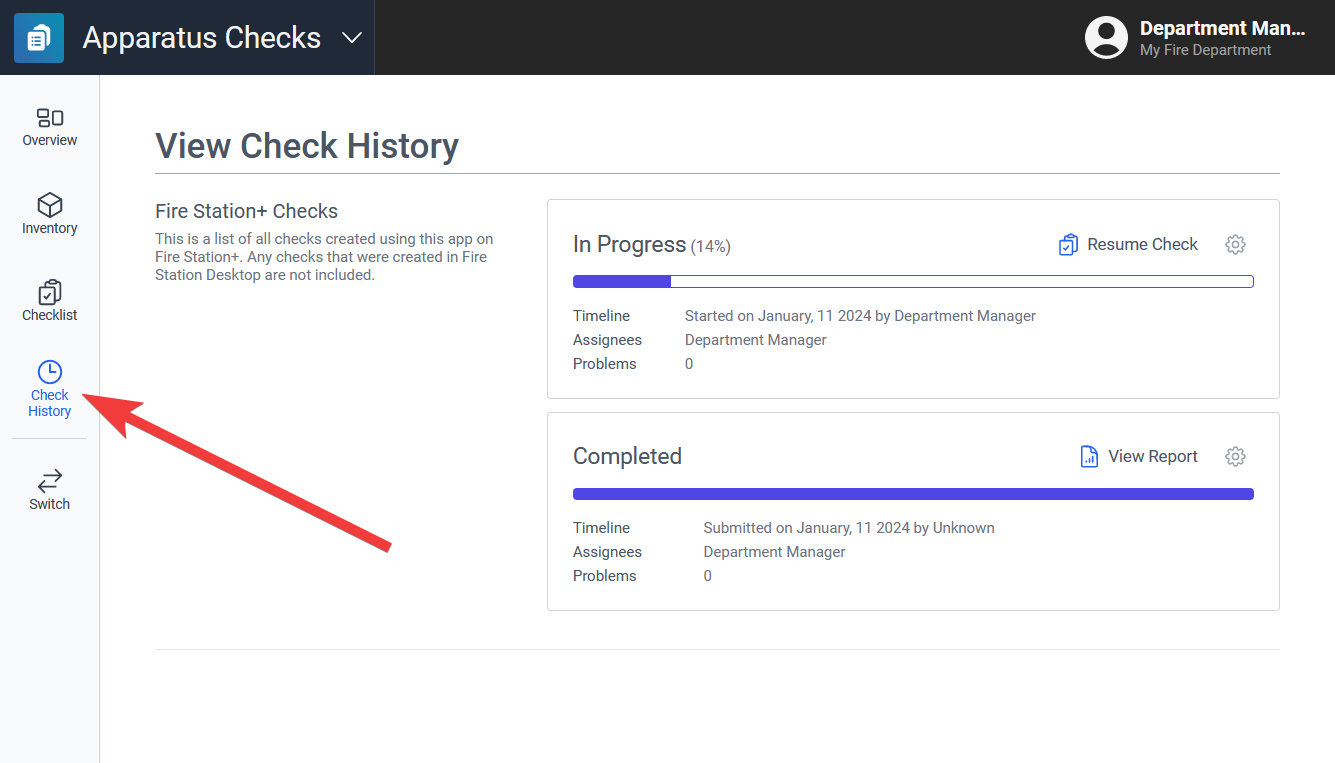
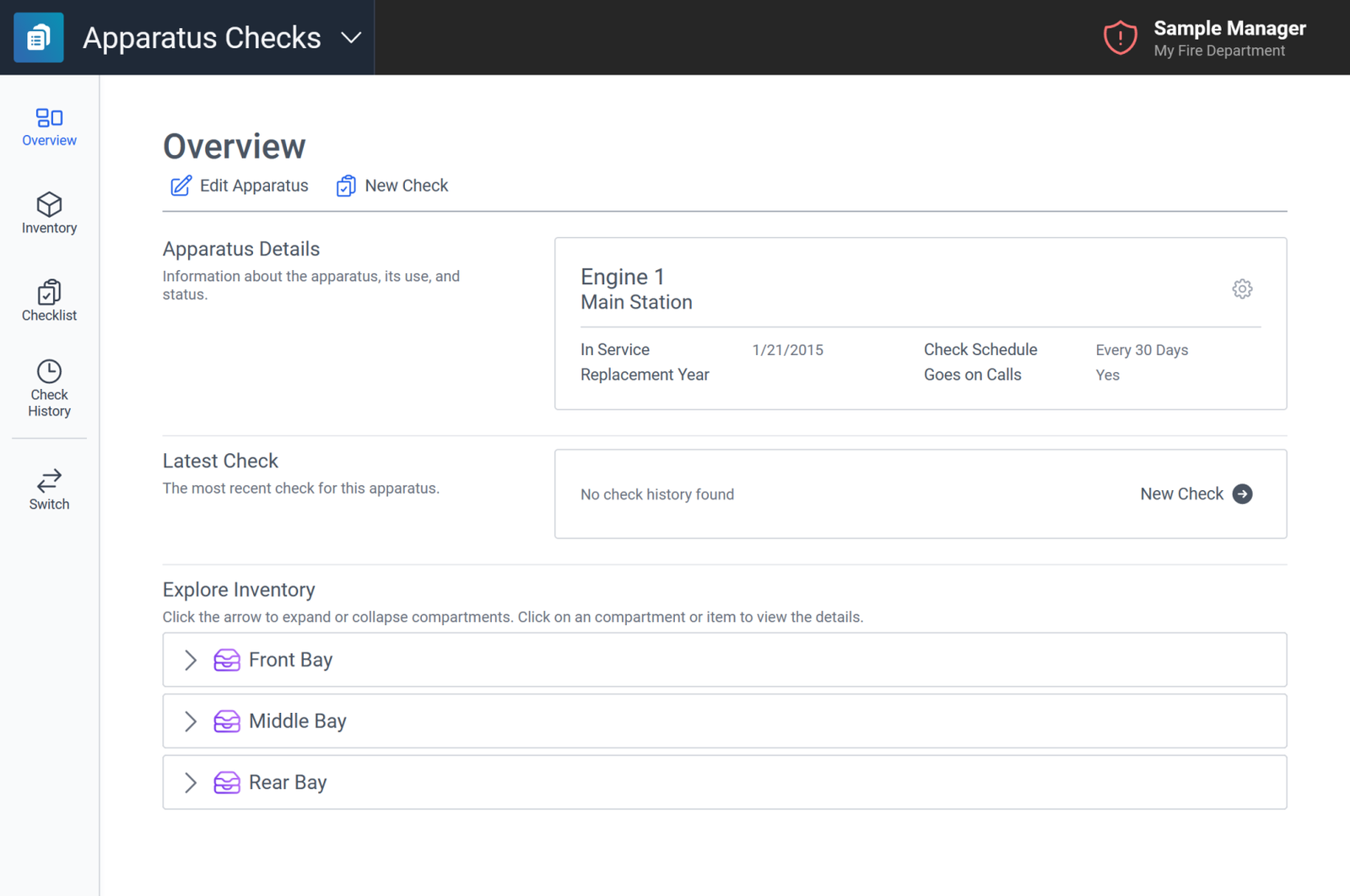
Maintain a Complete Readiness History
Every completed apparatus check becomes part of a permanent inspection history, helping departments improve accountability and maintain confidence in fleet readiness.
- Previous inspections
- Deficiency reports
- Inspection trends
- Maintenance concerns
- Corrective actions
- Readiness status
Reduce Paperwork and Administrative Work
Many departments still rely on paper forms that must later be reviewed, filed, and manually entered into another system. The Apparatus Checks Module eliminates duplicate work by letting personnel complete inspections once and save them immediately — so departments spend less time managing paperwork and more time focusing on readiness.
Still Using Paper Apparatus Check Sheets?
The Fire Station Software Apparatus Checks Module replaces outdated processes with a modern, mobile-first solution built specifically for fire departments.
- Missing documentation
- Incomplete inspections
- Lost paperwork
- Delayed deficiency reporting
- Limited accountability
- Difficulty tracking inspection history
Who Uses the Apparatus Checks Module?
Fire Chiefs
Monitor apparatus readiness across the department.
Company Officers
Ensure inspections are completed and deficiencies are addressed.
Driver/Operators
Perform apparatus checks directly from a mobile device.
Fleet Managers
Track maintenance concerns and inspection history.
Volunteer Departments
Simplify inspections without increasing administrative workload.
Combination & Career Departments
Standardize apparatus inspections across stations and shifts.
Purpose-Built for the Apparatus Bay
Mobile-First Inspections
Complete apparatus checks directly from your phone.
Web-Based Access
Access inspections from any device with a web browser.
Personnel & Crew Assignments
Assign responsibility and improve accountability.
Custom Inspection Forms
Build forms tailored to your apparatus and department.
Photo Documentation
Capture and upload photos during inspections.
Deficiency Tracking
Document and monitor maintenance concerns.
Inspection History
Maintain complete records for every apparatus.
Reporting Tools
Generate reports for leadership, compliance, and maintenance planning.
Three Steps to a Complete Inspection
Assign the Inspection
Assign the apparatus check to an individual firefighter, officer, or crew.
Complete It from a Mobile Device
Walk around the apparatus and complete checklist items directly from your phone or tablet.
Upload Photos and Submit
Document deficiencies, attach photos, complete the review, and save the inspection record instantly.
Complete Apparatus Checks Where They Actually Happen
Stop carrying clipboards. Stop re-entering inspection data. Stop chasing paperwork. Use the mobile-first Apparatus Checks Module to inspect directly from your phone, document deficiencies with photos, and maintain complete apparatus readiness records.
No long-term commitment. See how easy apparatus inspections can be when they're designed for firefighters.